Solutions

Solutions for every desk in your clinic

See what reception, doctors, pharmacy, and administrators get—then book a live demo for the full walkthrough.

Who it’s for

Suitable for

Dental Clinics General Practice Polyclinics Ayurvedic Clinics Homeopathy Clinics Small Hospitals Clinics with In-house Pharmacy

AI clinic journey

From appointment to pharmacy

A connected clinic workflow—see how the visit moves from booking through prescription, pharmacy, and billing in one place.

For Reception

Reception

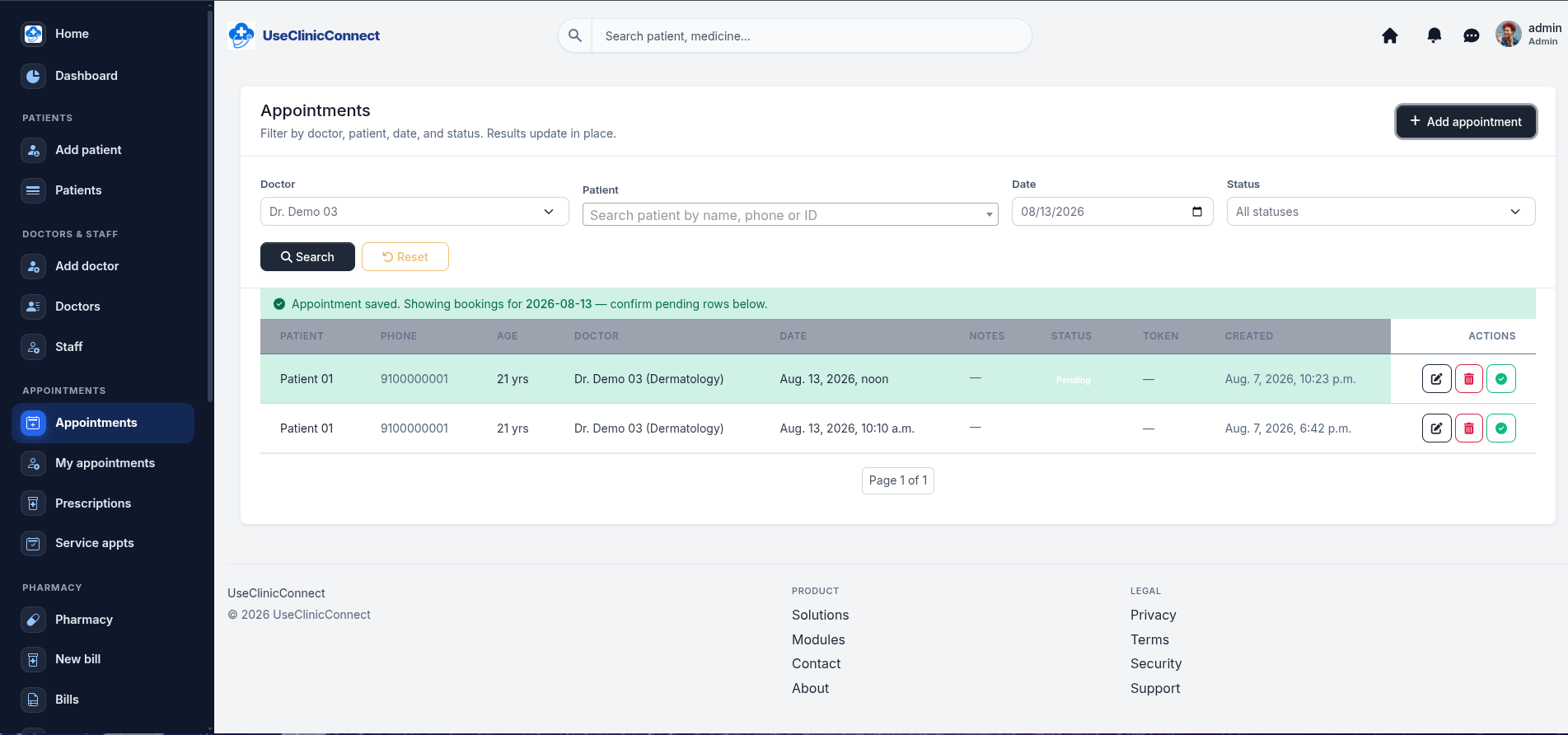
Keep the front desk moving—tokens, patient check-in, and consultation billing without paper registers.

What reception gets

  • Appointments and token queues for walk-ins and bookings
  • Custom clinic services with amount and GST
  • Faster consultation billing and pharmacy handoff
For Doctor

Doctor

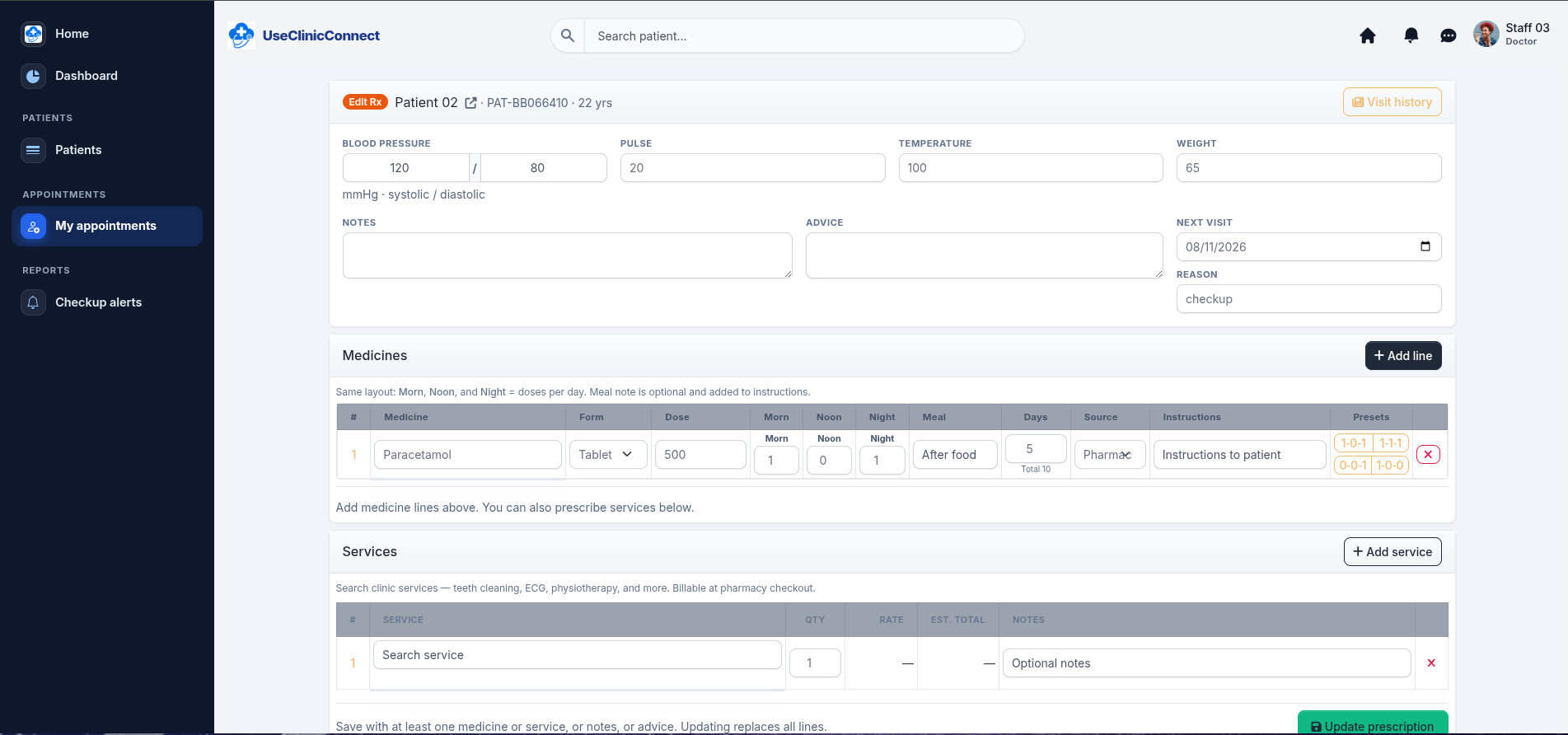
Spend time with patients—not chasing notes, dosages, or follow-up dates.

What doctors get

  • Digital prescriptions with vitals and clinical notes
  • Visit history and patient documents in one place
  • Follow-up dates and due alerts for your OPD

For Pharmacy

Pharmacy

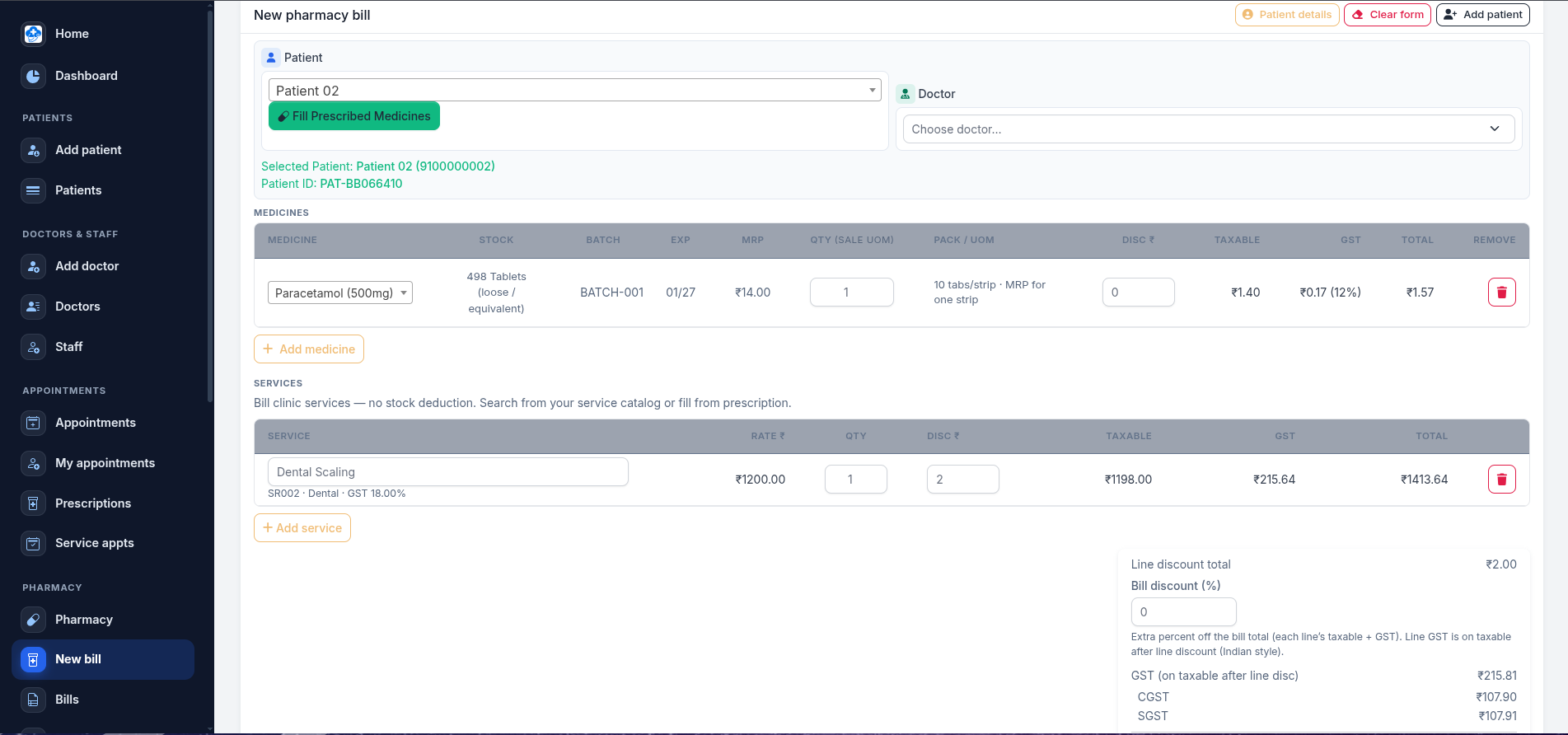
Counter sales, stock, and expiry control in one workflow your pharmacy staff can trust.

What pharmacy gets

  • Bill from prescriptions or walk-in sales
  • Batch & expiry tracking with accurate stock updates
  • Low-stock and expiry alerts

For Administrator

Administrator

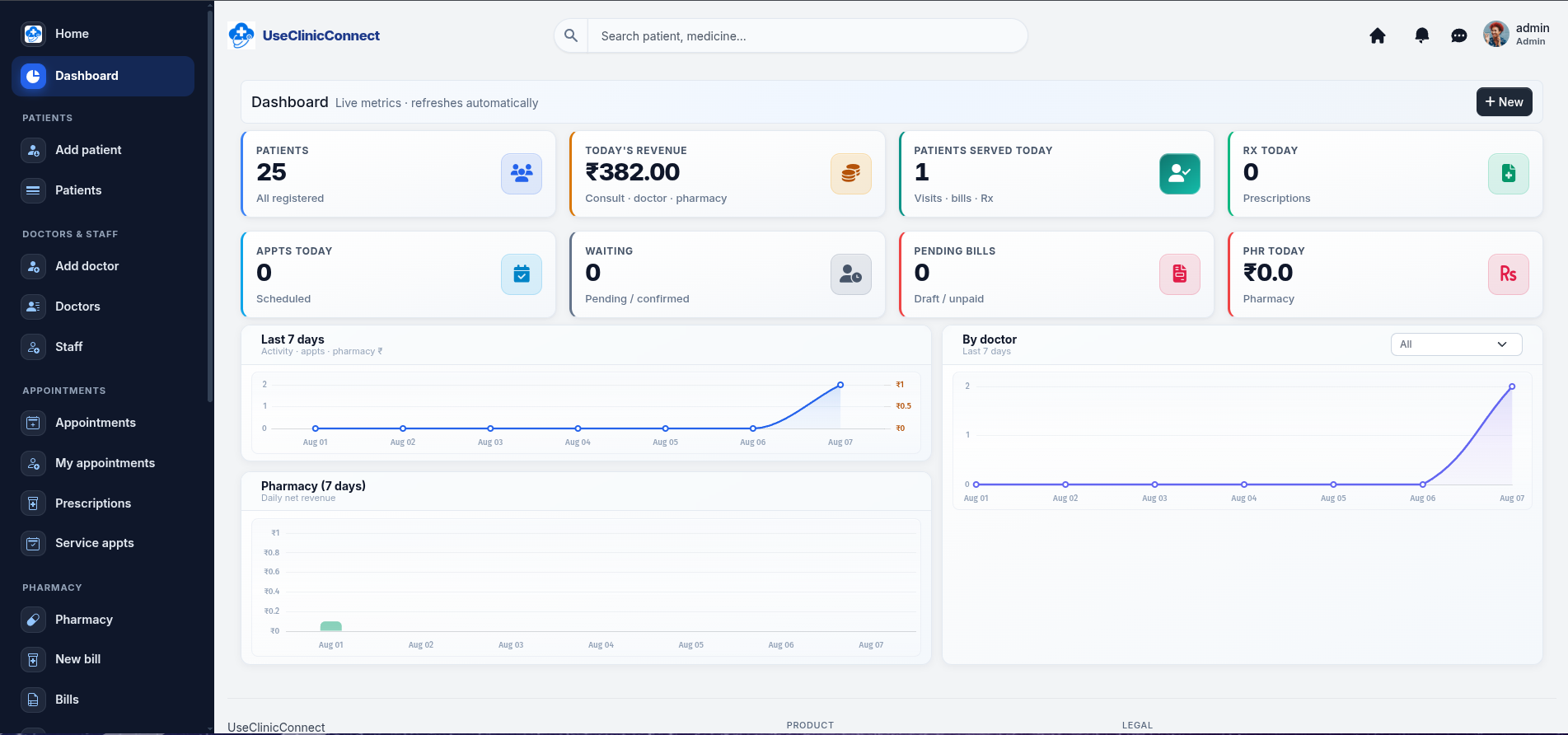
Owners and managers get visibility and control across the clinic—including pharmacy GST reports for tax-ready sales.

What administrators get

  • Pharmacy GST report and revenue summaries
  • Role-based access for reception, doctors, and pharmacy
  • Multi-branch management with per-location control

Patient Medical Records

Secure patient documents

Upload and securely access lab reports, scans, X-rays, ECGs and referral documents directly from the patient's history.

  • Lab reports, X-rays, scans, ECGs, and referral letters
  • Upload PDF or image files from WhatsApp or paper photos
  • Open anytime from the patient's history
  • Protected with role-based clinic access—see Security for details

Security details →

“Doctor, whenever the patient comes back after six months, all reports are available here.”
Patient profile · Ramesh

Patient History

Ramesh

Medical records
Appointments Prescriptions Medical Documents Billing

Medical Documents

  • CBC Report Lab report
  • Chest X-ray Imaging
  • MRI Report Scan report

Notification Center

Smart role-based alerts

Each team sees the alerts relevant to their work—from appointments and follow-ups to pending bills, low stock and medicine expiry.

  • Alerts matched to each staff role
  • Stock and expiry for pharmacy
  • Appointments, bills, and follow-ups for the right desks
Dashboard alerts for appointments, follow-ups, stock, and expiry

Any device

Access Your Clinic Anywhere

Check appointments from home, view reports while travelling, use a tablet in consult, or pick up on your phone between OPD sessions—install as an app from the browser when you want.

Works perfectly on:

  • Android phones
  • iPhone
  • Tablets
  • Laptops
  • Desktop computers

Browser-based and installable as a Progressive Web App (PWA)—Add to Home Screen on Android and iPhone. No app store required.

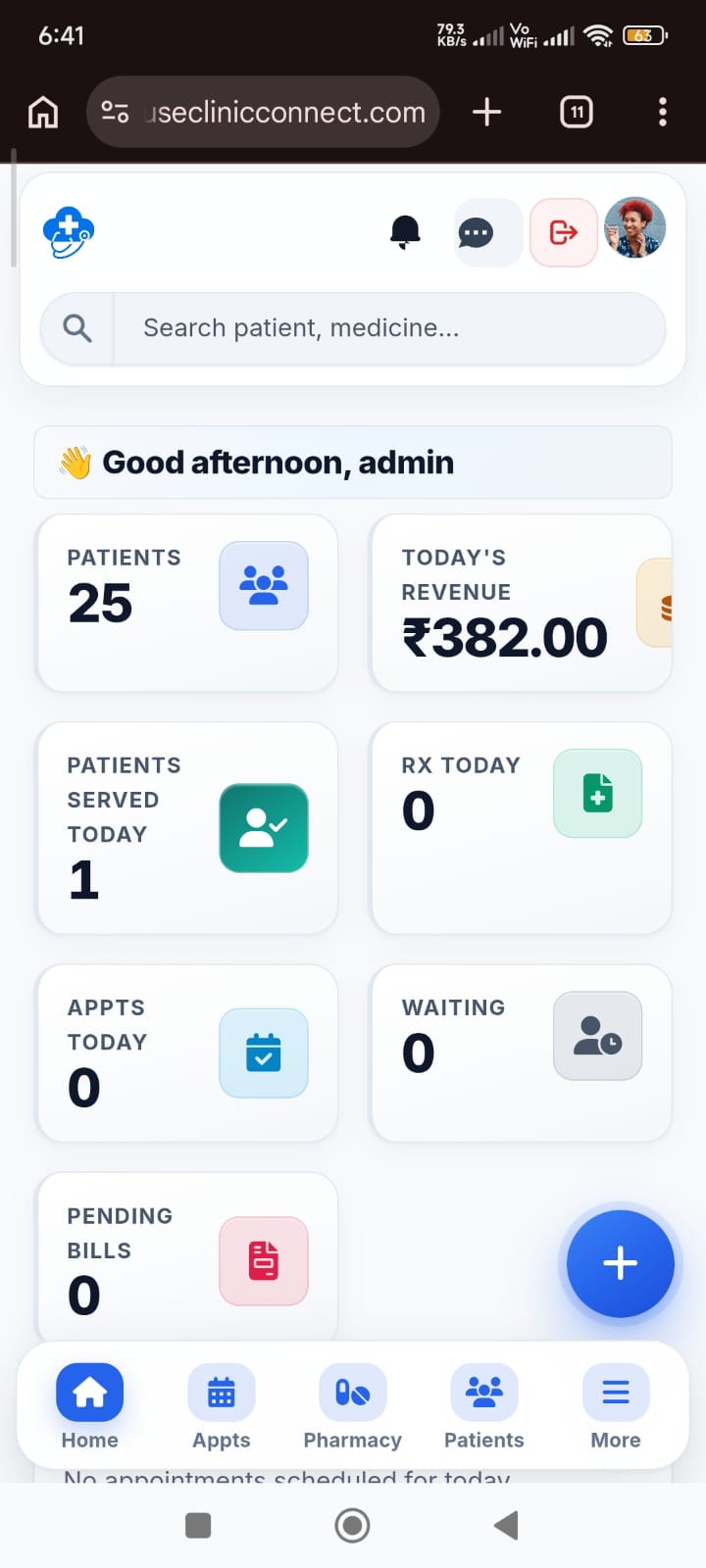
UseClinicConnect mobile dashboard with patients, revenue, and appointments
Dashboard Live patients, revenue, appointments, and pending bills.
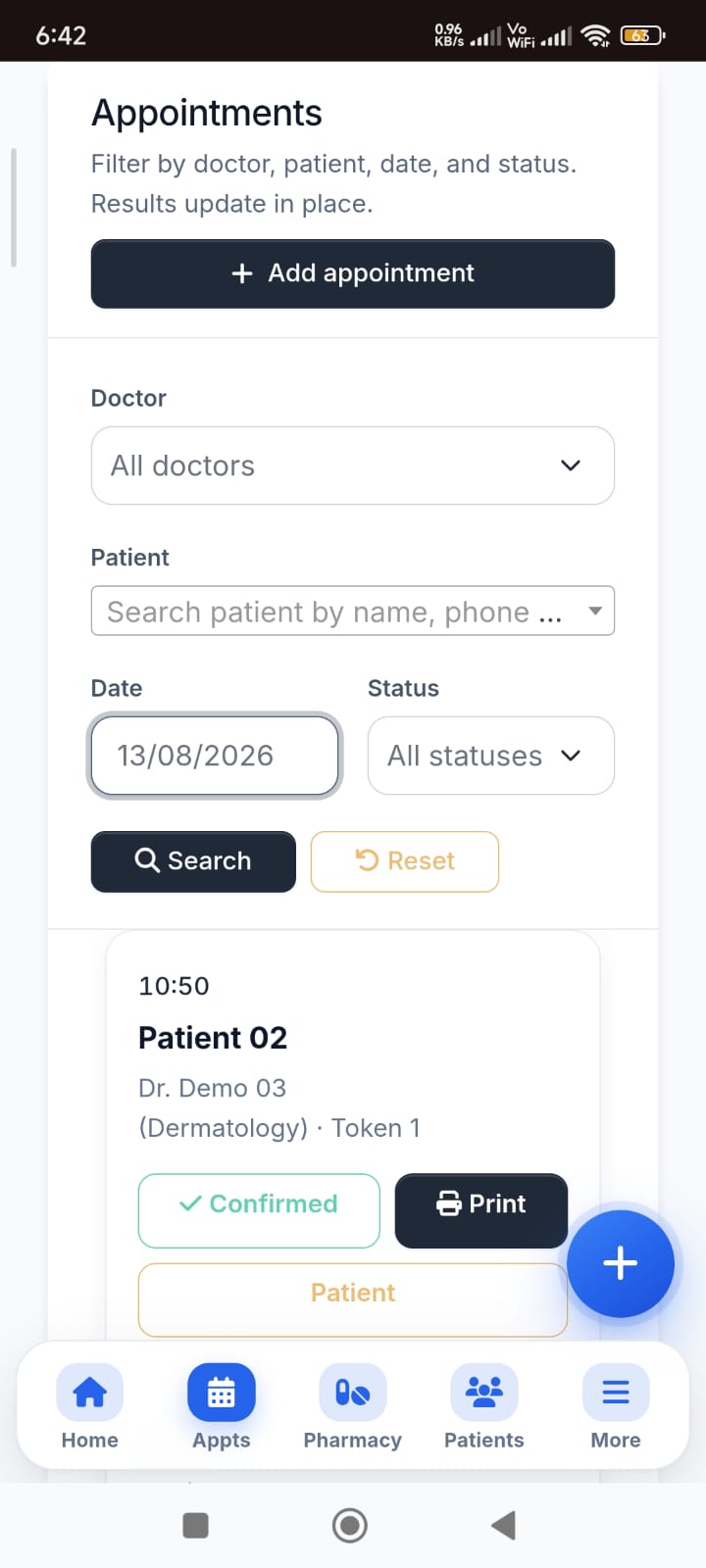
Mobile appointments list with token and status
Appointments Filter by doctor, date, and status — tokens on the go.
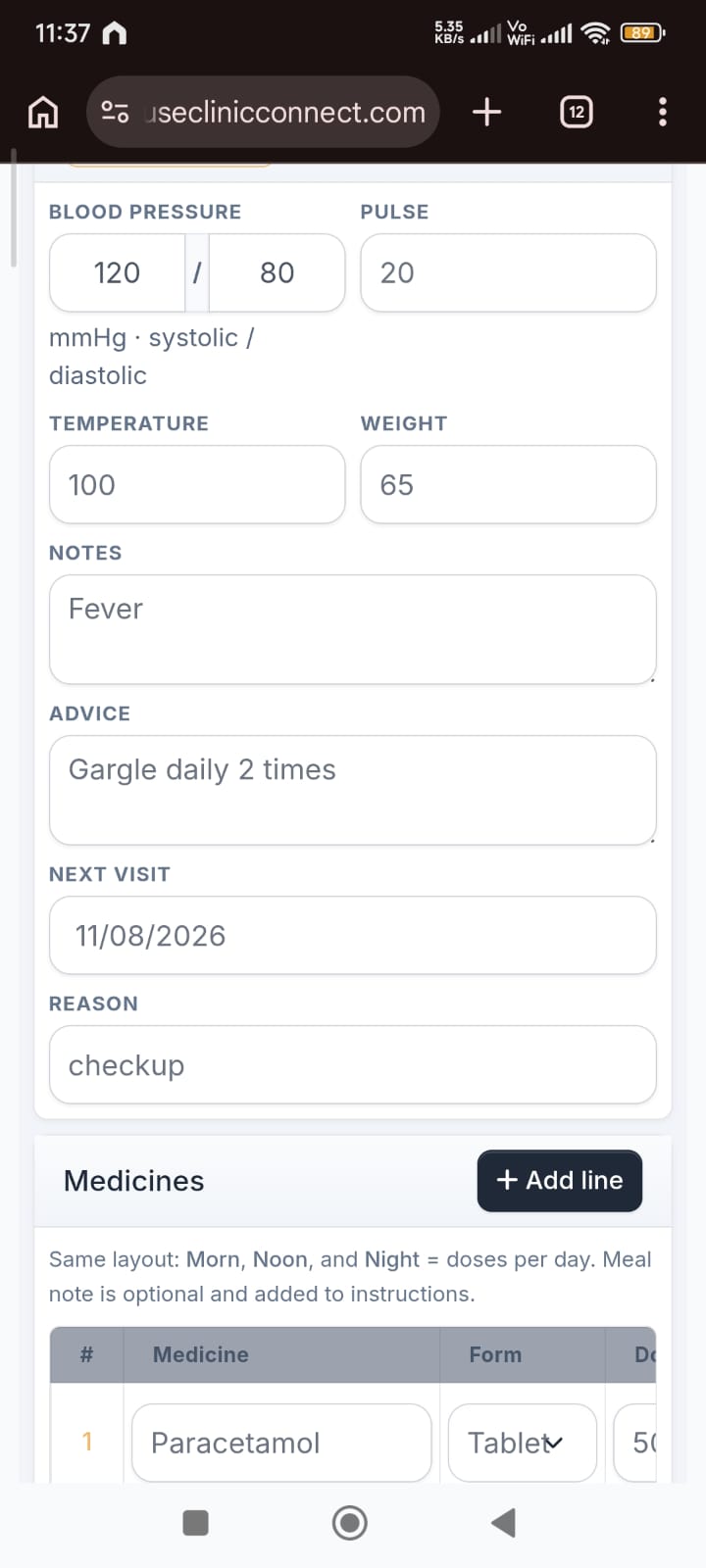
Mobile prescription form with vitals and medicines
Prescription Vitals, advice, and medicines on one mobile Rx form.

See how staff install UseClinicConnect on their phone in under a minute.

▶ Watch the quick mobile demo

Progressive web app

UseClinicConnect on Your Phone

Install your clinic workspace directly from your browser. No app store download required.

  1. Open your clinic link on Chrome (Android) or Safari (iPhone).
  2. Tap Install, or Share → Add to Home Screen.
  3. Launch like an app—full screen, with your clinic name and logo.
Autoplaying muted demo · Open with sound on YouTube

Quick answers

Common questions

Straight answers for what clinics usually ask first.

Yes. Token-based appointments, doctor availability, and visit history are built in.

Yes. Record vitals, prescribe medicines with dosage schedules, and set follow-up dates.

Yes. Upload lab reports, scans, X-rays, ECGs, and referral documents on the patient profile, and open them securely from the patient's history. See our Security page for how we protect clinic data.

Yes. Inventory, batch and expiry tracking, and pharmacy billing are included.

Yes. Pharmacy can be enabled only if needed.

Yes. Review dates, upcoming follow-up lists, and manual WhatsApp reminders are supported.

Yes. Revenue, pharmacy margin, patient trends, follow-ups—and a dedicated pharmacy GST report (taxable value, CGST/SGST by bill) for Indian pharmacy billing.

Yes. UseClinicConnect includes a GST report for pharmacy bills—filter by date, review taxable amounts and CGST/SGST split, and export for your accountant.

Yes. Each team sees the alerts relevant to their work—from appointments and follow-ups to pending bills, low stock, and medicine expiry.

Yes. UseClinicConnect is browser-based on Android phones, iPhone, tablets, laptops, and desktops. You can also install it as a Progressive Web App (Add to Home Screen)—no app store download.

See it in action

A short walkthrough beats exploring every menu. Request a live demo tailored to your clinic.